
You can edit the following settings in Basic Settings:
- Use Cases - the type of privacy requests that your Privacy Portal supports. Use the toggle to activate/inactivate each request type.
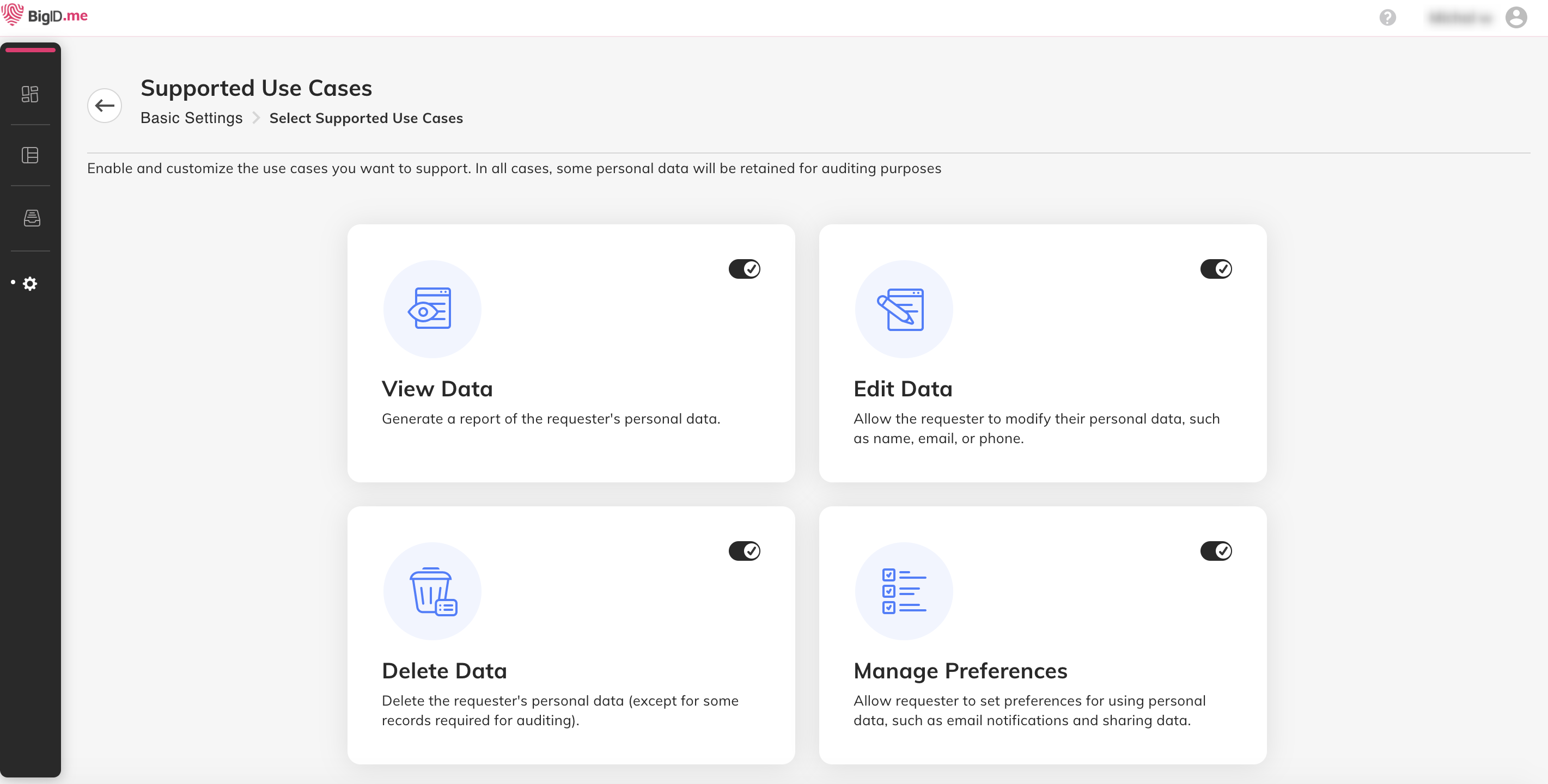
View Data - finds the consumer's personal data and prepares a report for download.
Edit Data - finds the consumer's personal data and presents it in a form that the consumer can modify.
Delete Data - finds the consumer's personal data and sends detailed requests to the data owners to delete it.
Manage Preferences - enables the consumer to set privacy preferences such as opting in/out of sharing personal data with third parties and receiving marketing emails. These preferences are customized for your organization.
You can select which types of consumer requests you want to support, and edit this at any time.
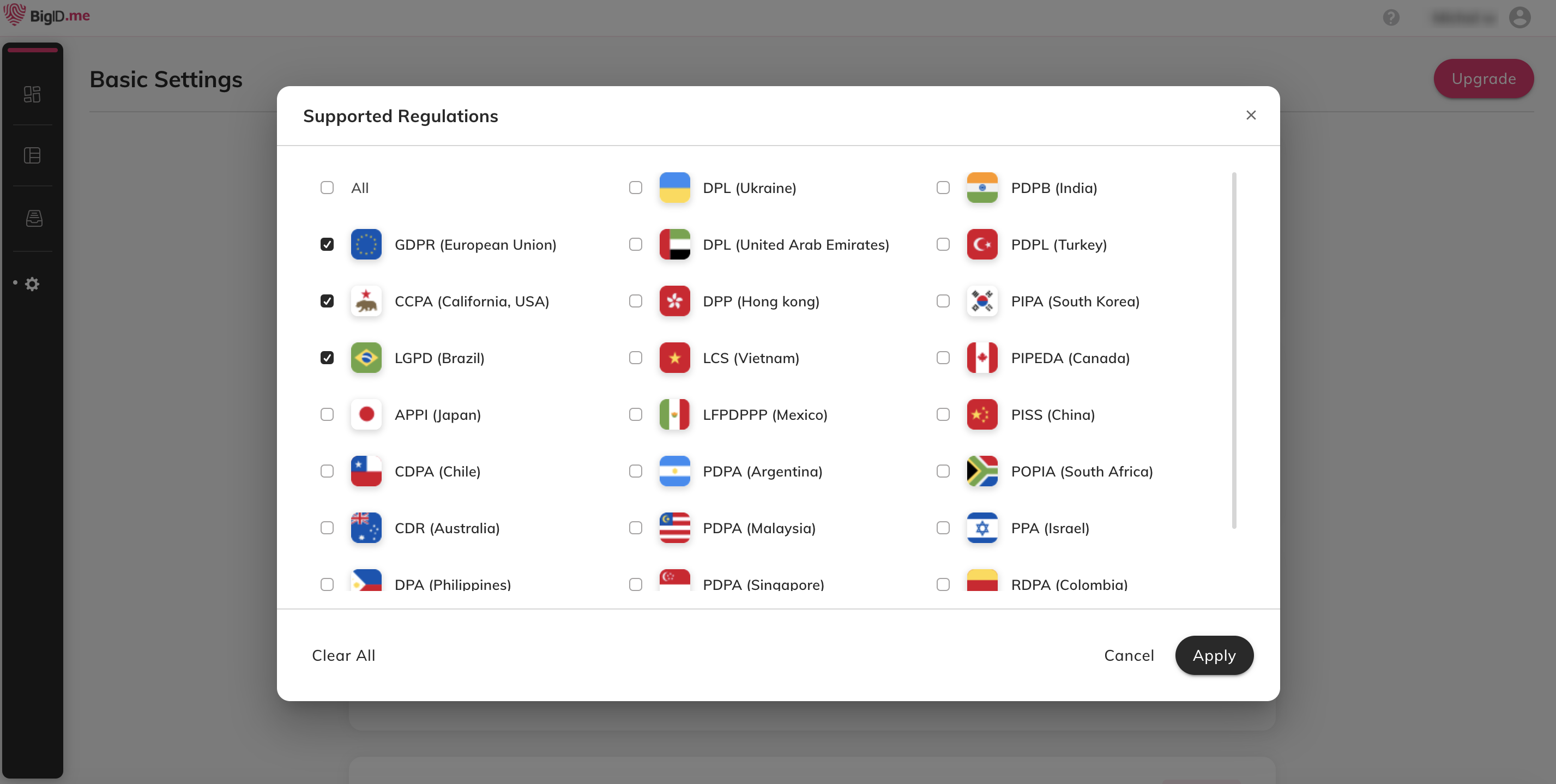
- Regulations - the regulations supported by your Privacy Center. Select regulations, then click Apply.
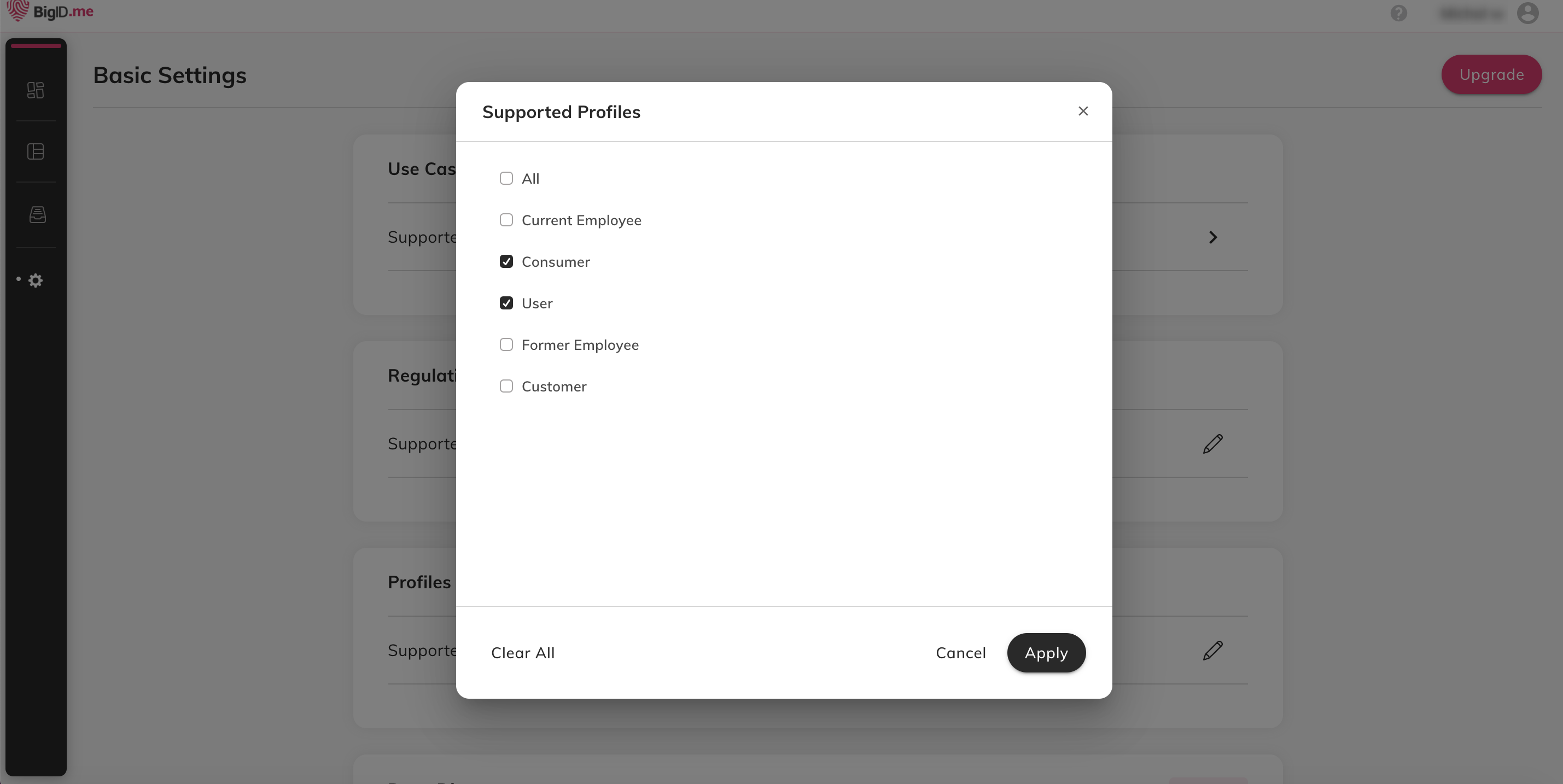
- Profiles - the profiles supported by your Privacy Center. Select profiles, then click Apply.
Comments
0 comments
Please sign in to leave a comment.